Temperature
Get a text as soon as the temperature drops toward freezing, in time to do something before a pipe bursts.
Temperature, humidity and power, watched around the clock and reported over cellular — so the alert still arrives when the network that failed is the one you would have relied on to send it.
Key Features
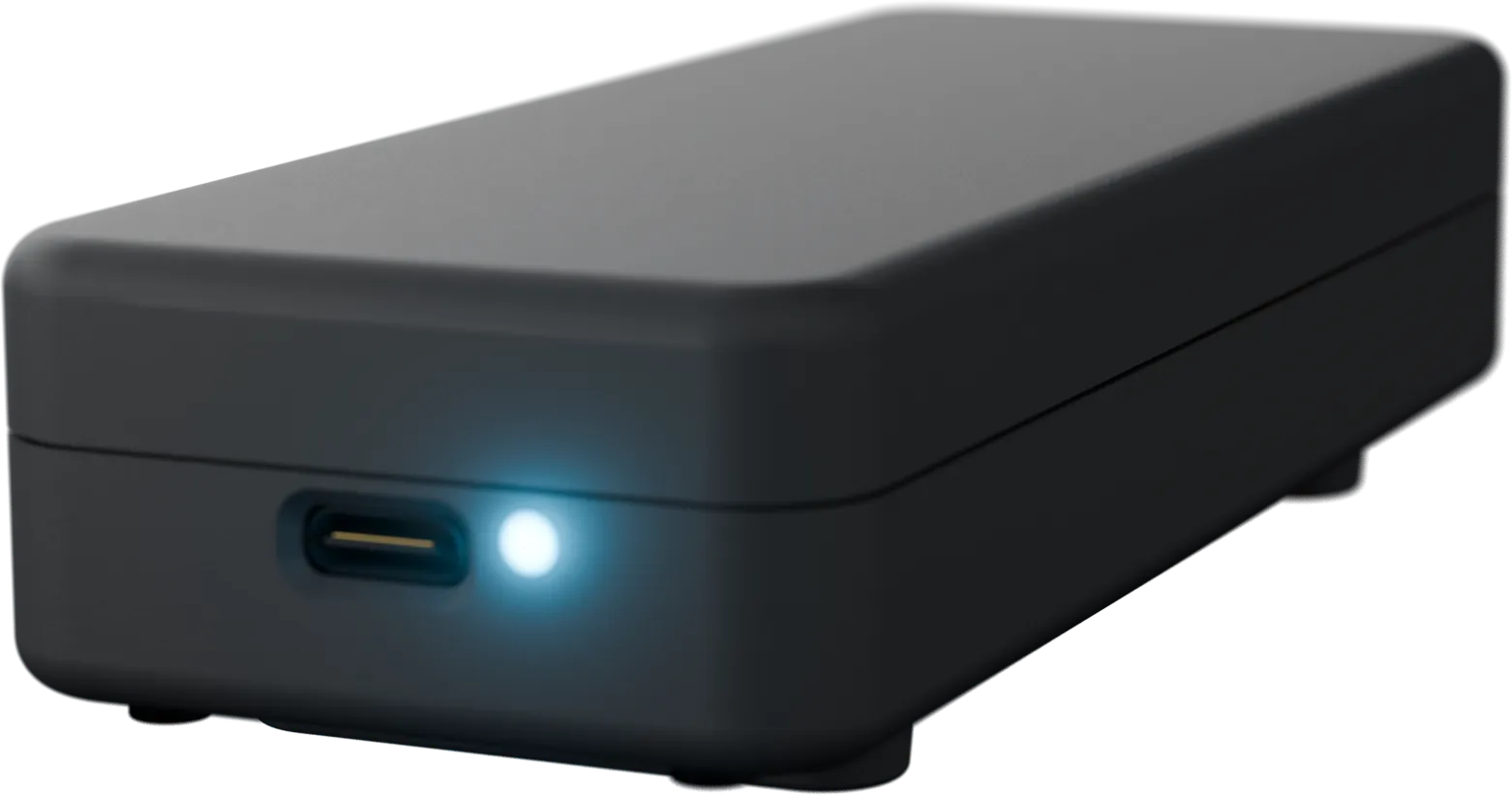
An IP sensor is fine until the switch it plugs into loses power, or the ISP drops. Then the one moment you needed an alert is the one moment it cannot send one. CabinPulse reports over its own cellular connection, on its own battery.
Set a high-temperature threshold and hear about an HVAC failure while it is still a maintenance call, not a hardware replacement.
A UPS keeps servers up but does not tell you the building has lost power. CabinPulse does, within seconds, and again when it comes back.
High humidity brings condensation and corrosion on boards; low humidity brings static discharge. Alerts on either side of the range you set.
It reports over its own cellular connection, so a switch, router or ISP failure does not take the alerting down with it.
Keeps monitoring and alerting for two to three days after mains power goes, then recharges itself when power returns.
Tracks CO2 and VOCs, which shift when ventilation fails or something in the rack starts running hot.
What it watches
Every sensor you need is built right into CabinPulse — nothing to add, wire or install.
Get a text as soon as the temperature drops toward freezing, in time to do something before a pipe bursts.
Know the moment the power goes out. It is usually the first sign that something else is about to go wrong.
Damp builds into mould and mildew over a season. Catch it while it is still a small job.
Tracks CO2, VOCs and overall air quality, so you know when the air has gone bad in a closed-up building.
Cellular is included and unlimited, on all major networks worldwide. Your property needs no internet at all.
Smart thermostats and WiFi sensors go down with the router. CabinPulse has its own battery and cellular for two to three days.
The app
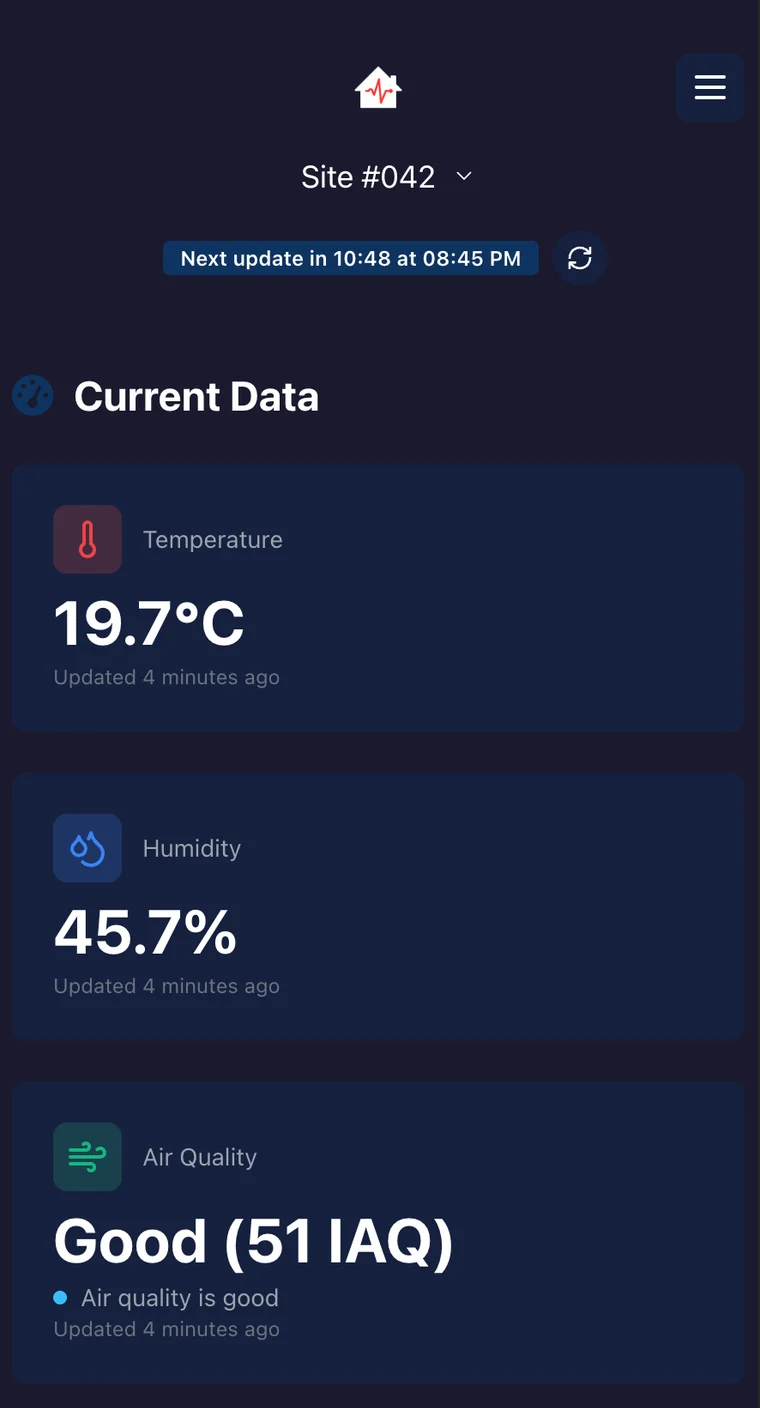
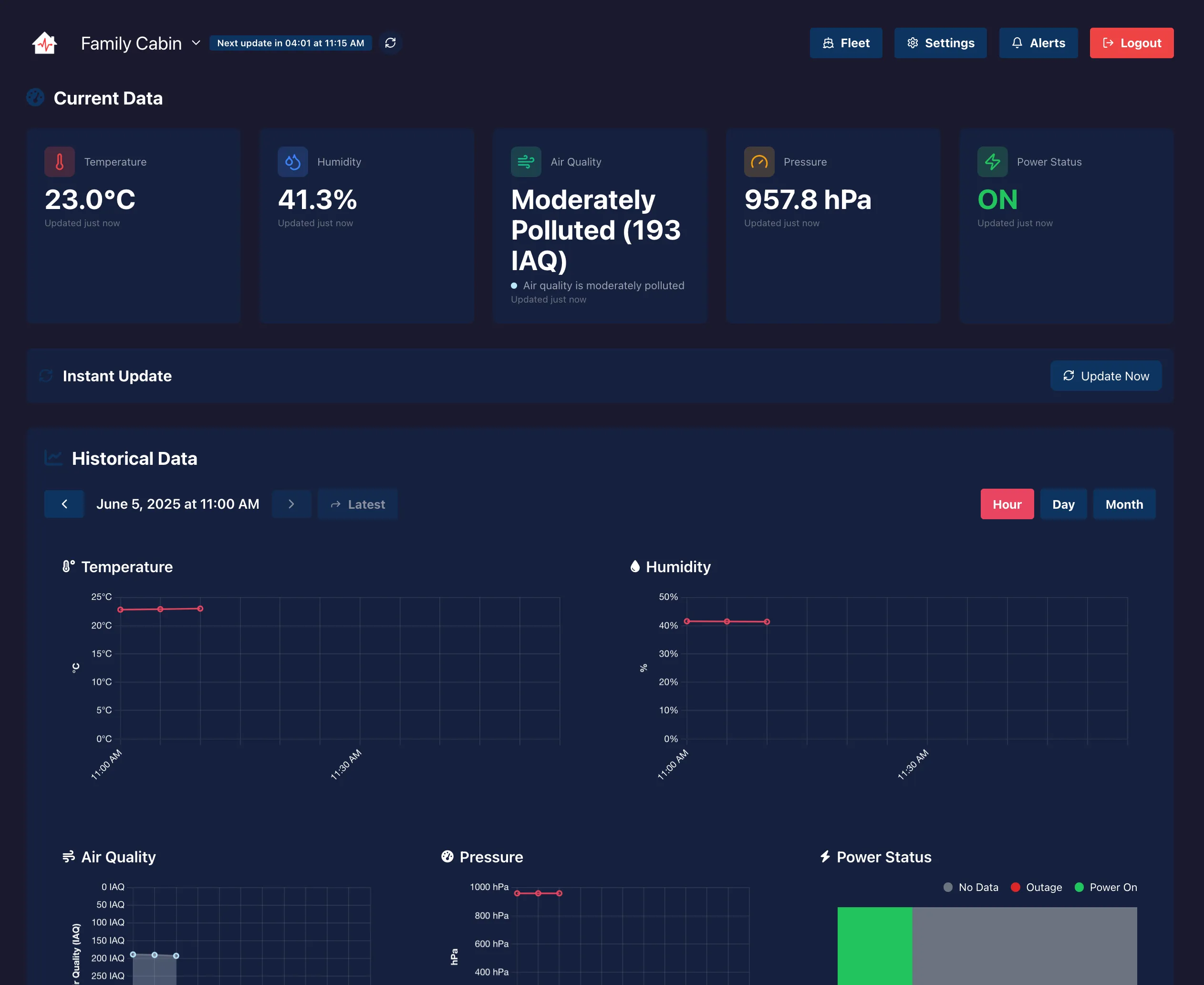
Every reading is saved, so you can check the full history any time from your phone or computer.
When something's wrong
There is an app, and it works on your phone, tablet or computer. But once your alerts are set up you don't need to open it — CabinPulse messages you when something changes.
Temperature alert — Emma Lake
Now 4.1°C, below your 5°C threshold. Tap to see the last 24 hours.
The same alert, both ways.
An HVAC unit does not announce itself when it stops. Temperature climbs over hours, and the first sign is usually thermal throttling or a shutdown — by which point you are dealing with downtime rather than a service call.
The racks stay up and everything looks normal. What has actually started is a countdown, and the runtime you have to react is exactly what you are trying not to waste.
High humidity condenses on cold surfaces and corrodes boards over months. Low humidity makes static discharge a genuine risk to anything you handle. Neither is visible until something fails.
Small server rooms and IT closets are frequently unattended overnight, over a weekend, or over a holiday — which is when a two-hour problem becomes a two-day one.
The alternatives are somebody walking the room, or sensors that report over the network they are meant to protect.
| Manual checks | Networked IP sensors | CabinPulse | |
|---|---|---|---|
| Works when the network is down | — | No, it depends on the LAN | Yes, independent cellular |
| Works when mains power is out | — | Usually not | Yes, 2–3 day backup battery |
| Power-loss alerting | Found on the next visit | Often fails with the outage | Within seconds, plus restoration |
| Overheat alerting | Found too late | Yes, if the network holds | Yes, thresholds you set |
| Humidity, both directions | Not monitored | Sometimes | Yes |
| Setup | — | IP, VLAN, firewall rules | Plug it in |
| Ongoing IT overhead | — | Patching, certificates, monitoring | None — it is not on your network |
A sensor that reports over the network cannot be the thing that tells you the network is down.
CabinPulse is an unmonitored environmental reporting tool. Nobody watches your readings and nobody is dispatched. It is not a fire alarm, smoke alarm or carbon monoxide detector, not a security system, and not a substitute for professionally monitored fire suppression or for the environmental controls a real data centre requires. It tells you what the conditions are, so that you can act.
Setting it up
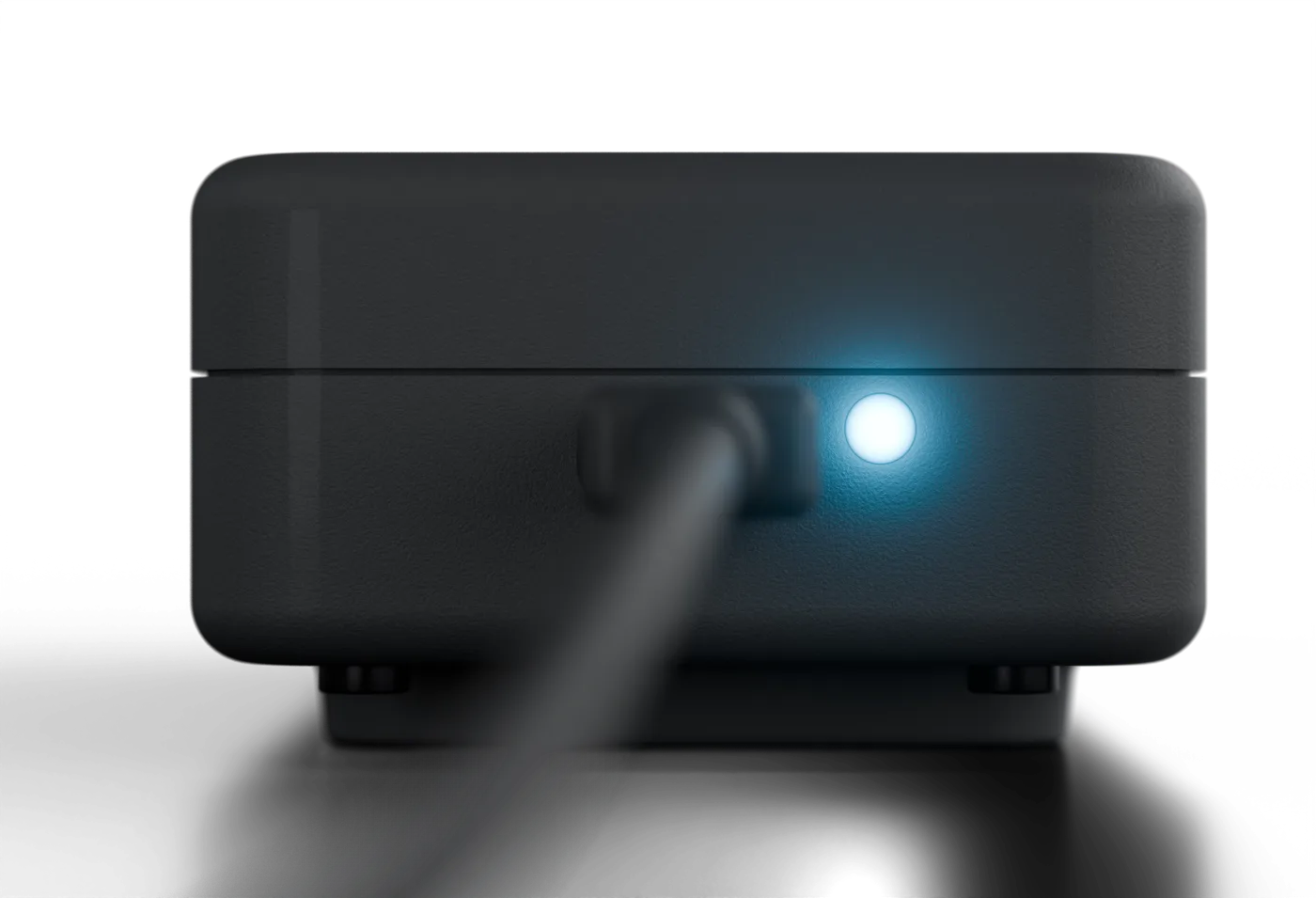
As soon as you connect it to power, it starts monitoring.
Any outlet, anywhere in the building. The cord is long on purpose, and the included wall mount is there if you want it.
Cellular is included and unlimited, on all major networks worldwide.
Set your alerts, add anyone else who should be notified, and view your readings any time.

What it costs
CabinPulse includes unlimited connectivity, unlimited alerts, no overages — and total peace of mind.
Choose your term
No activation fee · No separate data plan · Cancel any time
"After years of worrying about frozen pipes every winter, CabinPulse has been a game-changer for us. The connection works perfectly where our cabin is and the alerts are very reliable and instant!"
"Setup was very easy. I appreciate the instant alerts and extra long power cord. Using for a vacant property and saves me a lot of time and worry."
"The Fleet View feature is very useful for monitoring all of our buildings quickly. Customer service has been excellent when I needed help setting up alerts."
Trusted by property owners, organizations and government agencies across Canada

 Canadian Armed ForcesToronto Transit Commission
 Temperature, relative humidity, air quality (CO2 and VOCs) and mains power status. It reports every few minutes and alerts by text and email as soon as a reading crosses a threshold you set.
No. It has its own cellular connection and does not touch your network — no IP address to assign, no firewall rule to open, no VLAN to decide on. That independence is the point: when the network fails, the thing telling you about it is not on the network.
It alerts within seconds of mains power dropping, and again when it returns. A UPS keeps the racks running but does not tell you the building has gone dark — and the runtime you have to react is exactly what you are trying to protect.
It cannot cool anything. What it does is tell you early: a high-temperature alert on an HVAC failure or a blocked vent gives you the time to intervene before hardware throttles, shuts down, or is damaged.
Too high and you risk condensation and corrosion on boards. Too low and static discharge becomes a real threat to components during handling. Set alerts on both ends of the range you want to hold.
No. CabinPulse is not a smoke alarm, fire alarm or carbon monoxide detector, and must not be used in place of one. It monitors environmental conditions only, and it is not a life-safety device.
Yes. Every reading is stored and charted by hour, day or month, and can be exported — which is what you want when you are working out how long the room sat above 30°C and when the cooling actually failed.
One device reports the conditions where it is. For a rack at the other end of a room, or a second closet, add an Environment Sensor rather than assuming one reading covers the space. Up to 10 add-ons pair with a single CabinPulse.
CabinPulse suits a single server room or IT closet, on one account. If you are running many sites, need per-person access with roles, an API to pull readings into your own monitoring, or satellite for a location with no cell coverage, our sister product Canaro is built for that. See canaro.ca.
Get started with CabinPulse today and enjoy peace of mind.
Get a Server Room Monitor CabinPulse
 Not the season yet?
Most owners set up CabinPulse in the fall. Tell us when to remind you.